
Homepage Account
    bitelec GmbH Knowledge Base  Account How can I reset my password?

    How can I reset my password?


    Have you forgotten your password and no longer have access to your user account?
    You can reset your password at the following link:

    https://bitelec.ch/en/account/recover

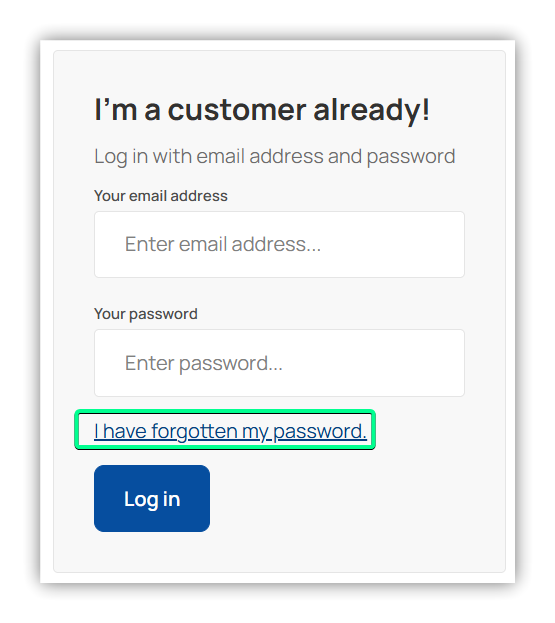
    Alternatively, you can click on "I have forgotten my password." in the login area. Then follow the instructions to renew your password.
    Published: 13/02/2026 09:58
    How do I create a customer account?
    How can I change my user data?
    © bitelec GmbH
    TOS Privacy Contact Imprint Support
    • bitelec GmbH Knowledge Base
    • Account
    English (United Kingdom)
    • Deutsch - German
    • English (United Kingdom)
    • Français - French